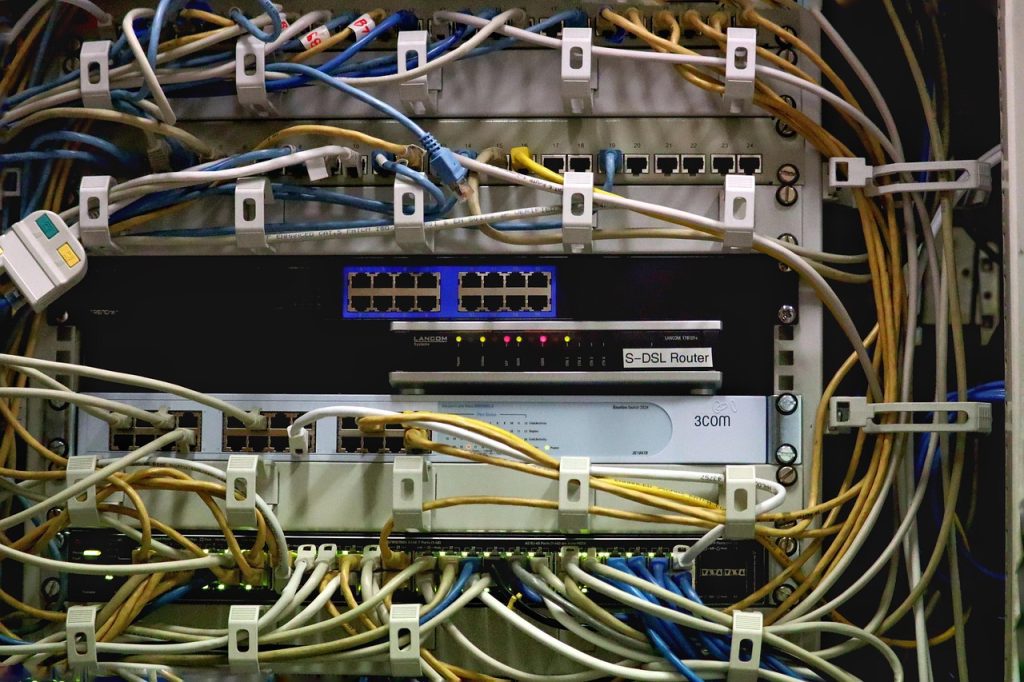
VPS and VPN. Three letters each, but they solve completely different problems. A VPS (Virtual Private Server) gives you a dedicated virtual machine for hosting websites, applications, and services. A VPN (Virtual Private Network) encrypts your internet connection for privacy and security. The confusion between the two is understandable — both start with “Virtual Private” — but mixing them up can lead to buying the wrong service. This guide explains the key differences, their respective use cases, and when you actually need both.
VPS vs VPN: The Core Difference
At the most fundamental level, a VPS is a computer you rent and a VPN is a tunnel you connect through. Here is how they compare:
| Feature | VPS (Virtual Private Server) | VPN (Virtual Private Network) |
|---|---|---|
| Primary purpose | Host websites and applications | Encrypt and route internet traffic |
| What you get | A virtual machine with dedicated CPU, RAM, and storage | An encrypted tunnel between your device and a remote server |
| Typical use cases | Web hosting, game servers, CI/CD, development environments | Bypassing geo-restrictions, public Wi-Fi protection, privacy |
| Who needs it | Developers, businesses, website owners | Privacy-conscious users, travelers, remote workers |
| Technical skill required | Moderate (Linux admin basics) | Minimal (install app and click connect) |
| Can you run one on the other? | ✅ Yes — host a VPN server on a VPS | ❌ No — a VPN client cannot act as a server |
For a side-by-side comparison of providers, compare VPS hosting plans on our website to find the right balance of resources and pricing for your workload.
What Is a VPS? Use Cases for Server Hosting
A Virtual Private Server is a virtual machine provisioned by a hypervisor (KVM, VMware, or Xen) on a physical server. Each VPS gets dedicated CPU cores, RAM, and storage — and you get full root access to install and configure any software you need. Your resource allocation is guaranteed regardless of what other tenants on the same physical host are doing.
Common reasons to get a VPS include:
- Web hosting — Run WordPress, custom web apps, or APIs with full control over the server stack.
- Development and staging — Mirror your production environment for testing code changes and database migrations.
- Game servers — Host Minecraft, Valheim, or other multiplayer games with custom mods and player limits.
- Automation — Run cron jobs, trading bots, web scrapers, or CI/CD pipelines 24/7.
- Self-hosted services — Run Nextcloud, Vaultwarden, Jellyfin, or a personal email server.
What Is a VPN? Use Cases for Privacy and Security
A Virtual Private Network creates an encrypted tunnel between your device and a VPN server. All your internet traffic passes through this tunnel, hiding your real IP address and encrypting your data so that your ISP, network administrators, or anyone monitoring the connection cannot see what you are doing.
Common reasons to use a VPN include:
- Public Wi-Fi security — Encrypt your traffic on coffee shop, hotel, or airport Wi-Fi to prevent session hijacking.
- Bypassing geo-restrictions — Access streaming libraries or services available only in specific regions.
- Privacy from your ISP — Prevent your internet provider from logging or selling your browsing history.
- Remote work — Securely access company resources as if you were on the local network.
A VPN is a client-server model: you subscribe to a provider, install their app, and connect. No server administration is required.
When VPS and VPN Overlap: The Self-Hosted VPN
These two services overlap in one important scenario: you can install VPN server software (WireGuard, OpenVPN, Tailscale) on your VPS and create your own personal VPN. This gives you:
- No logs — You control the server, so no third party keeps connection logs.
- Unlimited devices — Connect as many devices as your VPS bandwidth allows.
- Full control — Configure encryption settings, ports, and routing exactly as you want.
- Cost savings — A $5–$10/month VPS running WireGuard can handle your entire household’s VPN needs indefinitely.
The trade-off is that running your own VPN requires basic Linux administration skills — setting up firewalls, managing security updates, and troubleshooting connectivity issues. If that sounds manageable, a self-hosted VPN on a VPS is the most private and cost-effective solution available.
Do You Actually Need Both?
Here is a simple decision framework:
- Get a VPS if you want to host websites, run applications, deploy services, or need always-on root access to a server environment.
- Get a VPN if you want to protect your online privacy, secure public Wi-Fi, or access region-locked content — with zero server management.
- Get both if you host services on a VPS and also want to secure your personal browsing, or if you want one low-cost VPS to serve double duty as a web server and personal VPN gateway.
Many developers and IT professionals run exactly this setup: a single VPS that hosts their web applications during the day and acts as their WireGuard VPN gateway in the evenings. One server, two purposes, maximum value.
Bottom Line
VPS and VPN are different tools for different jobs. A VPS gives you computing power and control. A VPN gives you privacy and security. They complement each other perfectly — and with a little technical know-how, a single VPS can serve both roles. To get started, compare VPS hosting plans on our website and choose a provider that offers the CPU, RAM, and bandwidth you need for both hosting and VPN use.



Leave a Reply
You must be logged in to post a comment.